
Golden Pimple Award
Baffling Capital One® Eno® Conflict in Chrome Dev Tool
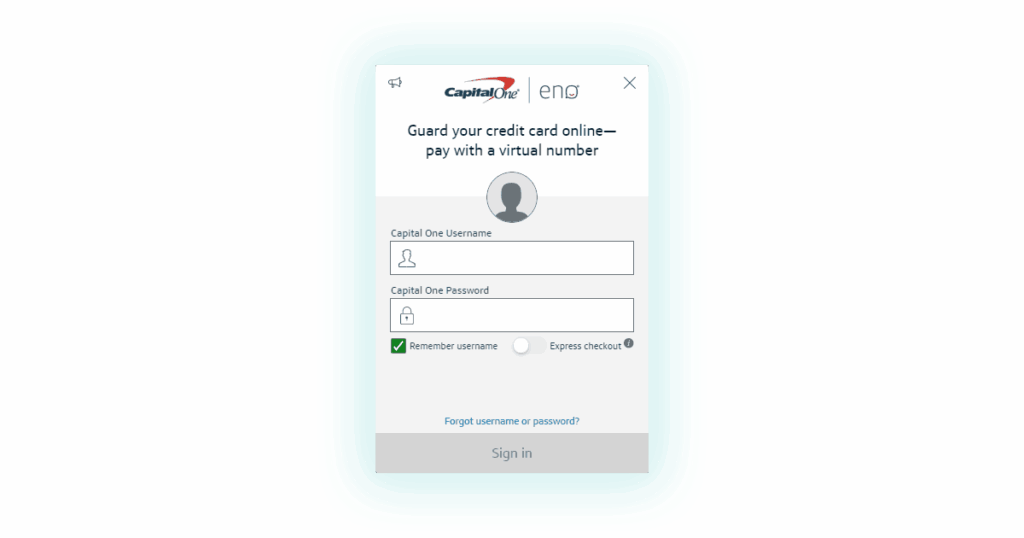
Eno® from Capital One® has a virtual credit card app that conflicts with the dev tool “Select Element” in Chrome.
I’m not sure how a developer could miss the mark in their creation of this Eno® app, or maybe I should say hit the mark. But DANG! How do you do that?
The Eno® conflict in Chrome Dev Tool is in the shortcut keystroke “CTRL+Shift+C“. This wouldn’t be a problem if you could change one or the other, but both the Dev Tool and the Eno® app don’t give you a way to change the shortcut for their given use of the shortcut. The Eno® for Chrome app takes over the shortcut entirely though. I don’t see a need for the Eno® app to have a shortcut option since it automatically pops up when a purchase asking for a credit card is in the page anywhere.
The only workarounds I could come up with was to,
- Disable the the Eno® extension.
- Use the pointer icon to make your element selections.
I think that Eno® should change their app to use a different keystroke combination, or allow you to change it to some other combination of keys since the Dev Tool has been using that shortcut for a much longer time. Also, more people use the Dev Tool than Eno®, pretty sure about that.
– 2020-01-03
– by Cory Curtis


Leave a Reply