
How To · Scripts · Technoogies
How to update multiple Task Scheduler user passwords with PowerShell
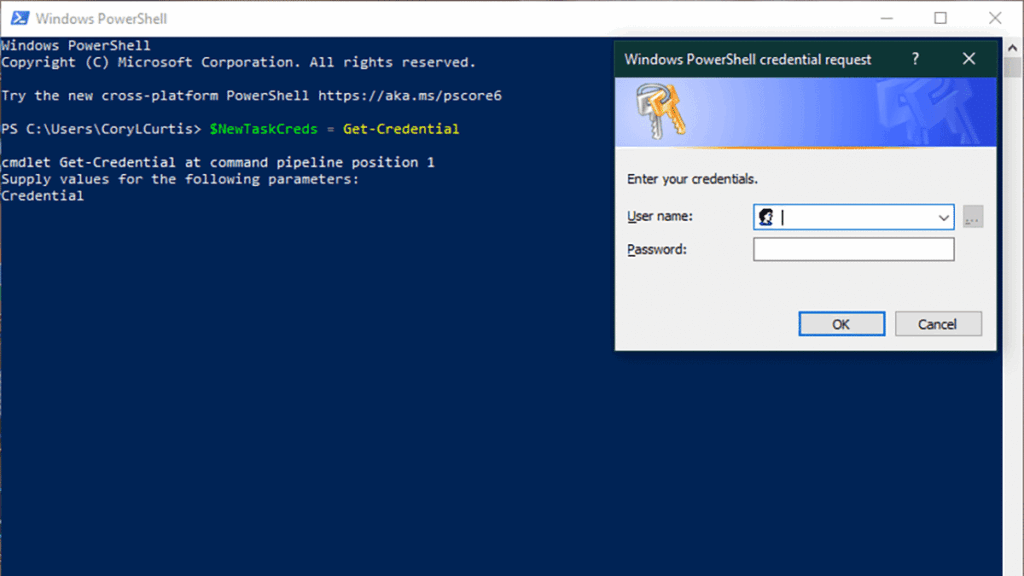
If you have a ton of Windows tasks in your task scheduler, and you need to change the password to the account that they run under, it can be a painful experience to change the passwords on each task one at a time. This PS Script can help with that.
I found this little gem on stackoverflow.com a while back while trying to help someone with this problem. The details where spread out through the posts, so I put the pieces together here to save those that find this the hassle of replacing the depreciated methods, etc., putting it together, and making it work.
This script will change the password for the specified user on every task instance of that specified user. No guarantees are implied here. Remember to have a backup of your system, always.
$NewTaskCreds = Get-Credential
Get-ScheduledTask | Where-Object { $_.Principal.UserId -eq $NewTaskCreds.UserName } | Set-ScheduledTask -User $NewTaskCreds.UserName -Password $NewTaskCreds.GetNetworkCredential().Password


Leave a Reply