
How To · Technoogies
Microsoft Edge Will Not Let You Control New Tabs
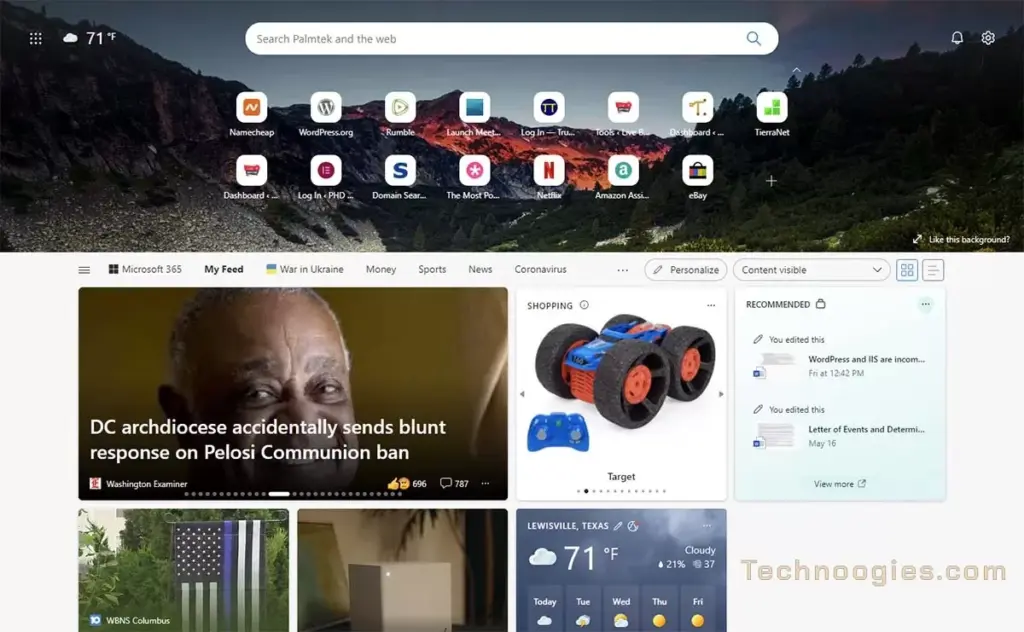
Time for another gripe blog. Anybody notice that Microsoft Edge will not let you control your new tabs anymore and forces you to use their Bing crap and other poop from MSN?
The only Microsoft option available to change this is in Group policies on domain and Azure networks. So, if you’re just a geek at home on a computer your group policy edits will not work to fix this problem, but do not despair, there is a way to eliminate the tab from hell.
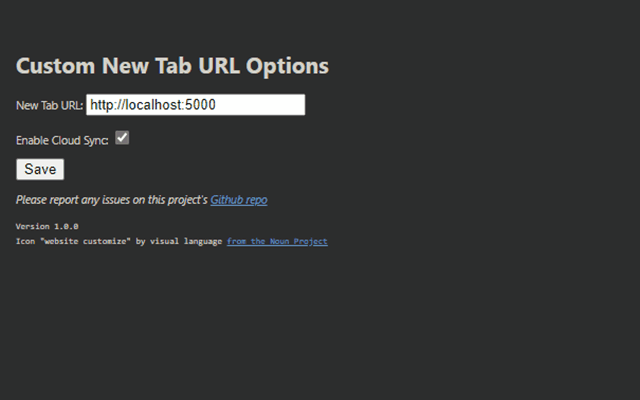
Here are some options
Microsoft Edge Add-ons – new tab – “new tab” Extension Search
Custom New Tab URL – Best Option
New Google Tab – Types google.com in the address, Meh
Blank New Tab – I want something I can use though
Simple New Tab – Fluffy default search page
Runner up.
Be aware that some of the extensions will read your browsing history but the Custom New Tab URL and Simple New Tab do not do this, which is why I chose the Custom New Tab URL extension for my own use and recommend it as your solution to eliminate the tab from hell. Also, the fact that it is the best working solution at this time.

Leave a Reply