
How To · Software
Outlook Error Reading the Rules From the Server
The Problem
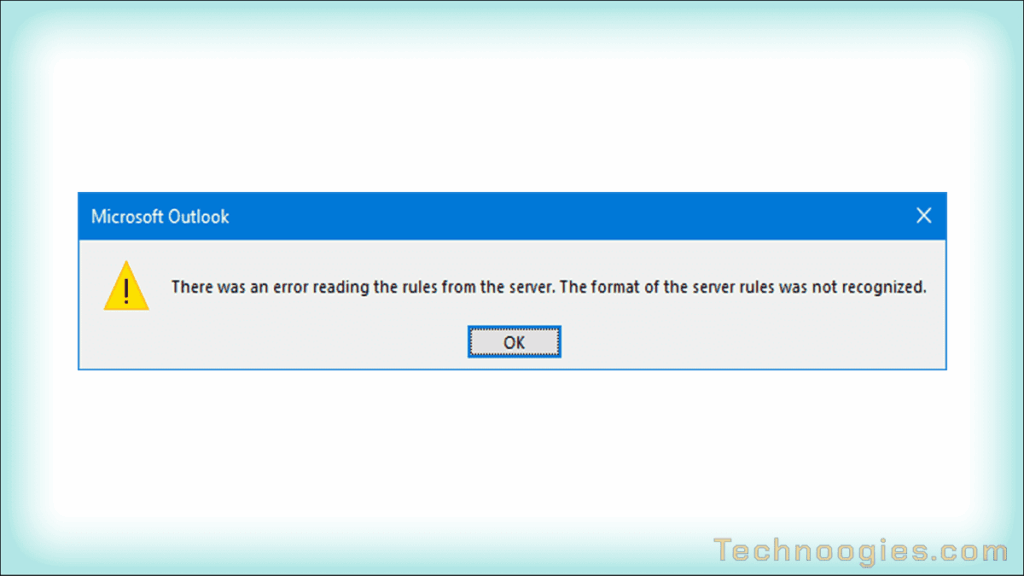
The new issue of the day, “There was an error reading the rules from the server. The format of the server rules was not recognized.” It’s always something. Found a solution fairly quickly this time.
Many of the solutions in forums was to delete the rules and recreate them. Not happening for me, too many rules to even think about it. One solution was to delete just one rule and then recreate it to force a server side write to the rules, assuming that this would correct the issue. Although this worked for some, it didn’t for me.
This procedure imports them as properly formatted rules again.
The Solution
Step 1 – Export Rules
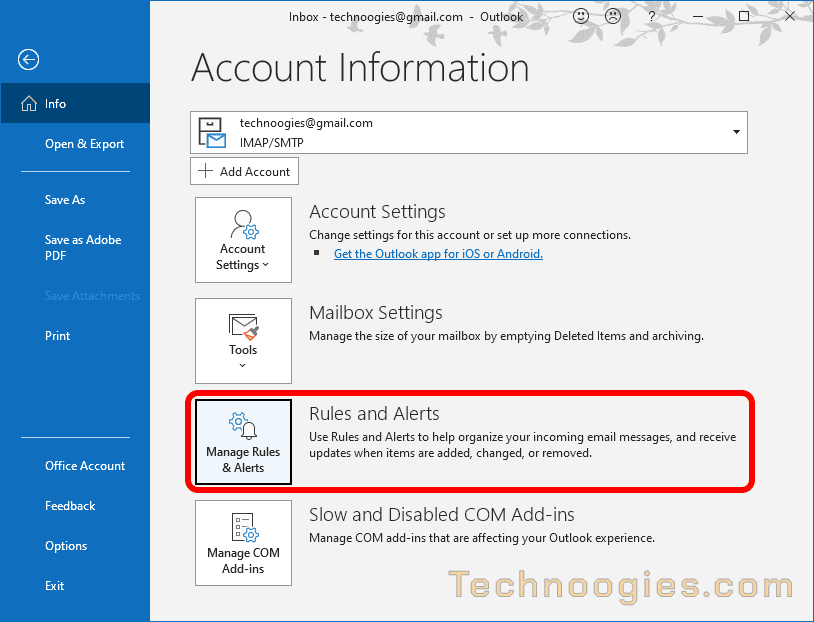
Open Outlook and click on “File” in the upper left corner. Find the square button, “Manage Rules & Alerts” and click to open it.
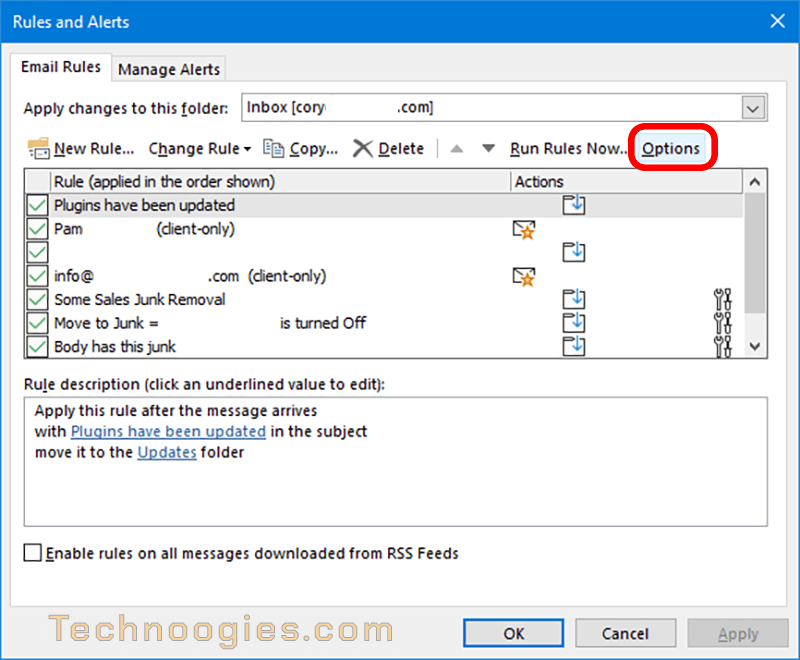
Select the account to export rules from next to “Apply changes to this folder:”
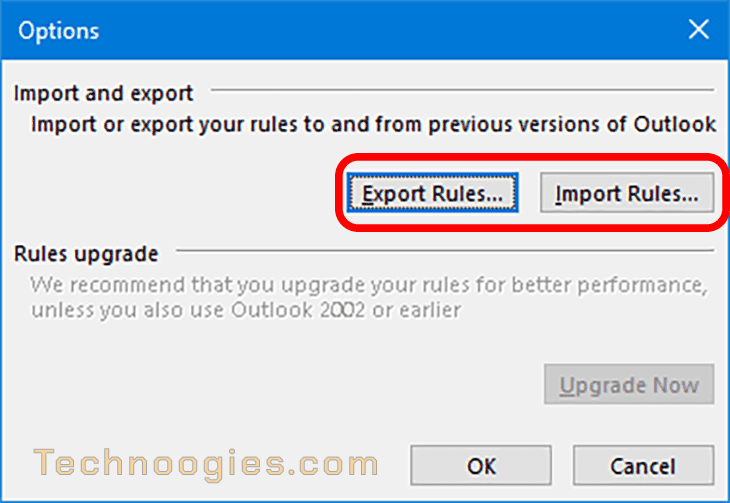
Click “Options” at the right side and “Export Rules”. Name the file and remember where you saved it so you can import it later.
Step 2 – Clean ALL Rules Out
Close Outlook if it is currently open still.
Open and run this from the command line by going through Windows Start / Windows System / Command Prompt.
( If you didn’t do step 1, STOP here and complete step 1 )
Copy and paste this line below and press the enter key. ( This assumes you’re running 64 bit Outlook )
You can also use the keyboard shortcut Win+R to open the Run dialog box. Or, type run in the Windows Search box and press Enter. Paste this into the Run Dialog box and click OK.
"C:\Program Files\Microsoft Office\root\Office16\OUTLOOK.EXE" /cleanrulesStep 3 – Import Rules
In Outlook, click on “File” in the upper left corner. Find the square button, “Manage Rules & Alerts” and click to open it.
Select the account you want tp import into next to “Apply changes to this folder:”
- Click “Options” at the right side and “Import Rules”.
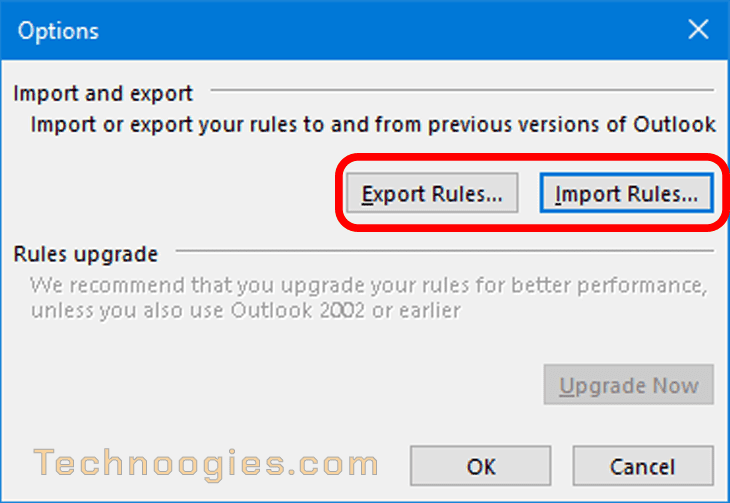
- Select each file you exported and import them back into your profile/profiles.
Summary
I just recently updated the details of this article to try and make the steps more clear. If something doesn’t make sense, please reach out to let me know. It would be a lot easier if Microsoft would add a repair feature to rewrite the rules like how their software repair option works, but this at least forces the rules to be rewritten back into the profile in the correct format, no more corruption. I have added other rule repair options and the alternate option to repair the server side rules only (See Note).



Leave a Reply